Icon-Based Navigation
Replaced text-based navigation with clear, colorful icons that help pre-literate children identify sections. Larger touch targets accommodated small fingers.
Designing an interactive learning experience that teaches alphabet recognition, numbers, and shapes to children ages 3–6 across multiple languages.
KIDpedia set out to build an educational app for young children, focusing on alphabet recognition and early literacy skills. The app uses meaningful feedback, interactive animations, voiceovers, sound effects, and games to make learning letters, numbers, and shapes engaging — with content available in English (US, & UK), Spanish, French, and German.
My task was to create an intuitive, engaging experience that supports children's independent learning while giving parents meaningful involvement and control over the content their child interacts with on screen.
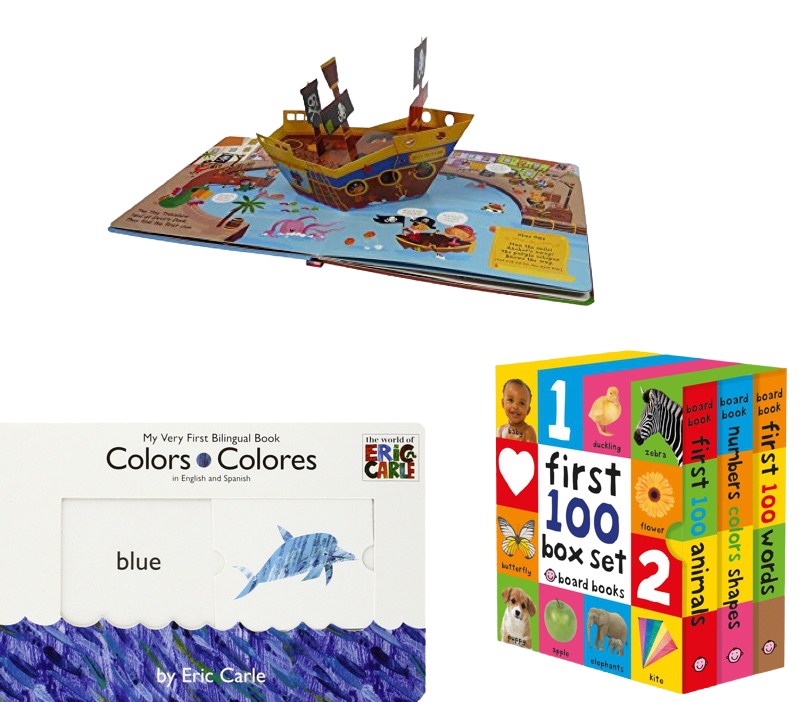
I began by researching traditional competitors in the early literacy space — from pop-up books and bilingual board books to existing educational apps. This competitive analysis identified what was working and where digital experiences fell short.
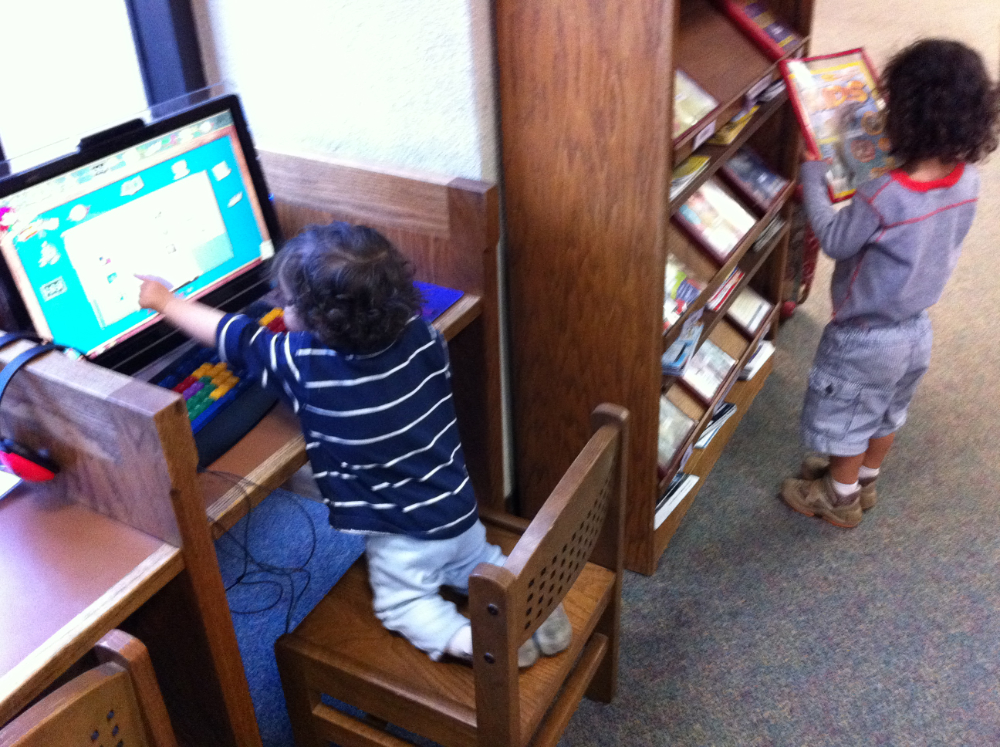
I then conducted observational research sessions with children and their parents, which revealed critical insights:
Children's interaction: Young users enjoyed animations and sound effects but struggled with navigating between screens and repeating activities.
Parental involvement: Parents wanted more control over which content was exposed during the experience.
Age-differentiated behavior: Children ages 1–4 preferred touch interactions and visual cues, while ages 5–6 engaged more with structured challenges and task completion.
Target audience: Based on this research it was clear that the target audience for this app was children ages 1-4 as the experience was visually rich and interactive but without the cognitive load that children at this age move from quickly.
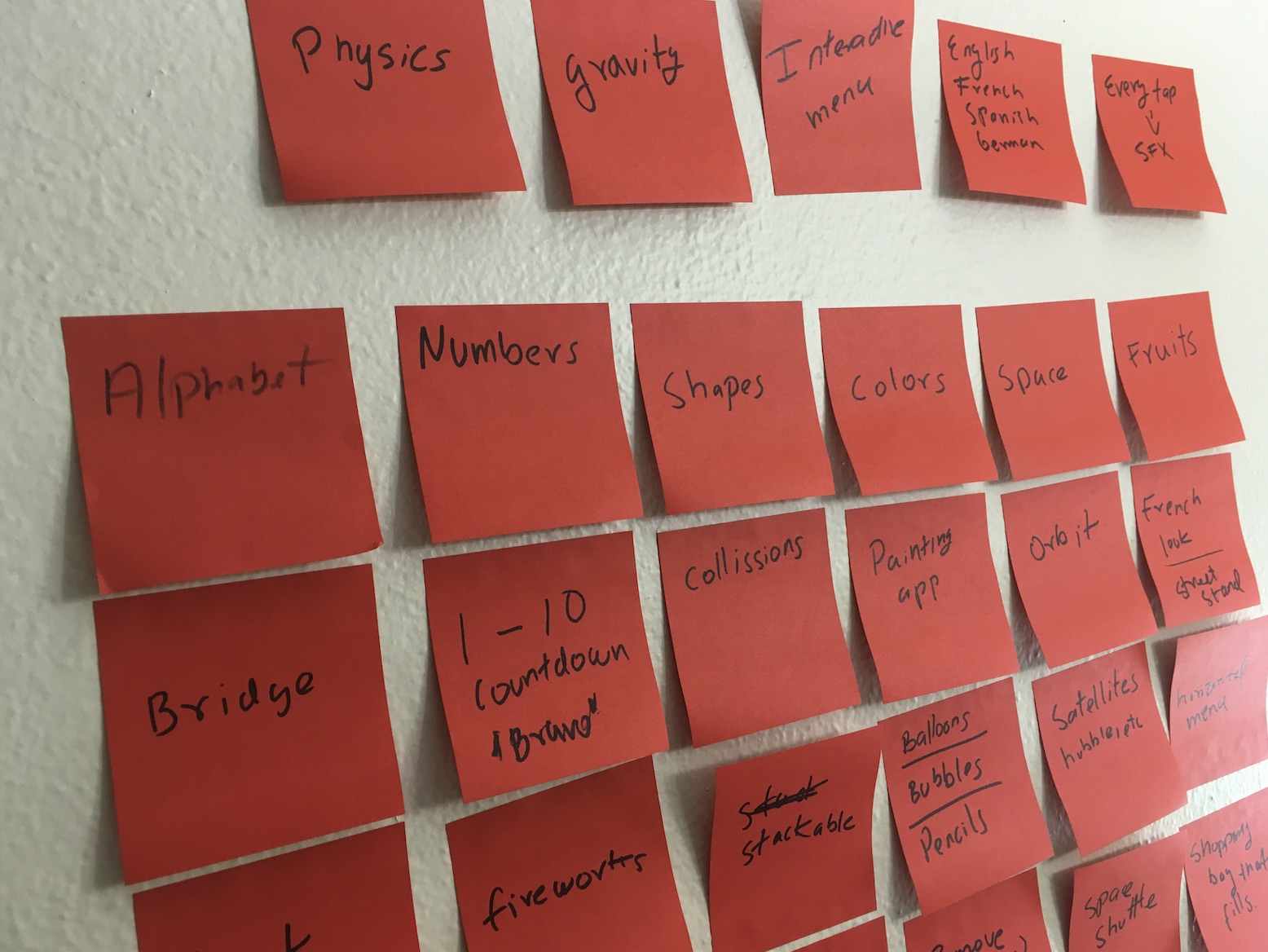
Using these insights, I defined user personas, assembled mood boards, and scoped the project. Collaborative sticky-note sessions mapped out content areas including alphabet, numbers, shapes, colors, and interactive activities like painting, bridge-building, and physics-based games.
With research and a target audience established, I focused on creating a streamlined experience for both children and parents.
Replaced text-based navigation with clear, colorful icons that help pre-literate children identify sections. Larger touch targets accommodated small fingers.
A visual journey where each letter appears as a stop, guiding children through learning in a non-structured sequence while reducing the need for parental intervention.
Intuitive swipe functionality let young children move between letters and sections using gestural patterns they already understood from tablet use.
Context-specific microanimations and audio tied to active UI elements, celebrating progress and encouraging continued exploration.

Every scene was designed to be unlocked and freely accessible, so children could return to previous experiences and move through the app at their own pace.
I developed wireframes and an interactive prototype that went through several rounds of usability testing with actual children and their parents.
Observational sessions confirmed that icon-based navigation and swipe gestures significantly reduced the need for parental intervention.
Testing the progress dashboard led to simplifications in how learning data was displayed for parents.
The diversity of interaction types — from tracing to sorting to drawing — proved key to sustaining engagement across sessions.
Each testing round produced specific adjustments. For example, early iterations of the letter "C" scene went through multiple visual treatments — bridge-themed, cow-themed, textured tracing — before arriving at the version that tested best with the target age group.
The shipped version of KIDpedia includes four core modules: alphabet with animated letter scenes, numbers with interactive counting, shapes and colors with sorting games, and a free-draw painting canvas. All modules are available in English, Spanish, French, and German with native-speaker audio.
The app is available on the iOS App Store and distributed to public libraries across the United States on a royalty basis, running on dedicated AWE Learning kiosks designed for children.
Design for independence. Navigation intuitive enough for pre-literate children to use without adult help was the single most important factor in both usability and engagement.
Iterate with real users. Testing with actual young users surfaced nuances in how different age groups interact with touch interfaces. A 3-year-old's gestural vocabulary is fundamentally different from a 6-year-old's, and those differences directly informed layout, touch targets, and interaction models.
Sensory feedback matters. Audio cues and microanimations were not decorative — they served as the primary mechanism for communicating state changes and guiding attention in an interface where text-based feedback was not an option.
By grounding every design decision in observational research with children, I created an experience that works across developmental stages and language barriers. Seeing the app deployed in libraries — where children who may not have tablets at home can use it — remains one of the most rewarding outcomes of this project.